Identify the base before shopping for accessories
A compact-router accessory can match the motor family yet still be wrong for the base you actually own. Start the shopping record with the full router model and installed base. Then add the accessory identifier and the manufacturer’s explicit compatibility statement. This is a purchasing checklist, not a replacement for installation or operating instructions.
Our compact-router buying guide compares three basic configurations. This guide addresses a different question: how to avoid ordering a cutter, guide or extraction fitting on the basis of a partial match.
Separate the supplied base from optional configurations
The Makita RT0701C instructions distinguish the trimmer base from optional base arrangements and their associated equipment. A photograph showing several bases should therefore prompt a package check. Record which base is installed and which additional components a proposed guide actually requires.
Do not treat an accessory list as a packing list. Before ordering, create three columns: supplied, separately required and not yet verified. This avoids buying a basic router while assuming an optional base has already completed a plunge or guide arrangement.
Match the shank and then check the cutter
The DWP611 instructions call for quarter-inch shank cutters corresponding to the collet and separately limit cutter diameter to 1-3/8 inches. These are different measurements. A cutter can satisfy the shank requirement while still failing the tool’s separate working-diameter restriction.
Keep the cutter manufacturer’s speed and application guidance beside the tool requirements. A shank label is not approval for every cutter design or material. Resolve the complete match rather than adapting an unsuitable purchase to make it fit.
The Bosch PR10E/PR20E manual likewise treats shank retention and cutter opening as separate checks. Its instructions require clearance between the cutter and the opening. Do not transfer a numerical limit from another router or base simply because both collets have the same nominal size.
Keep guides and dust attachments tied to their base
The DeWalt manual distinguishes fixed-base and plunge-base vacuum attachments and guide arrangements. An accessory description saying only that it fits a compact router leaves an important question unanswered: which base and connection does it fit?
Write the base identifier beside the attachment identifier and verify the complete manufacturer statement. If a guide requires a separate subbase or other part, include that dependency in the purchase record. Do not assume visually similar mounting holes or an adapter in a seller photograph establish compatibility.
Check the intended mounting arrangement too
The DWP611 manual says the tool is not recommended for use in a router table. That is a material limitation for someone shopping primarily for table equipment. A compatible-looking mounting plate does not override the tool manufacturer’s restriction.
Use the complete manual for assembly, disconnection and operation. This checklist deliberately does not supply tightening sequences or improvised modifications. The rotary-tool fitting guide concerns another equipment category and does not establish router accessory interchangeability.
Keep an unresolved match out of the order
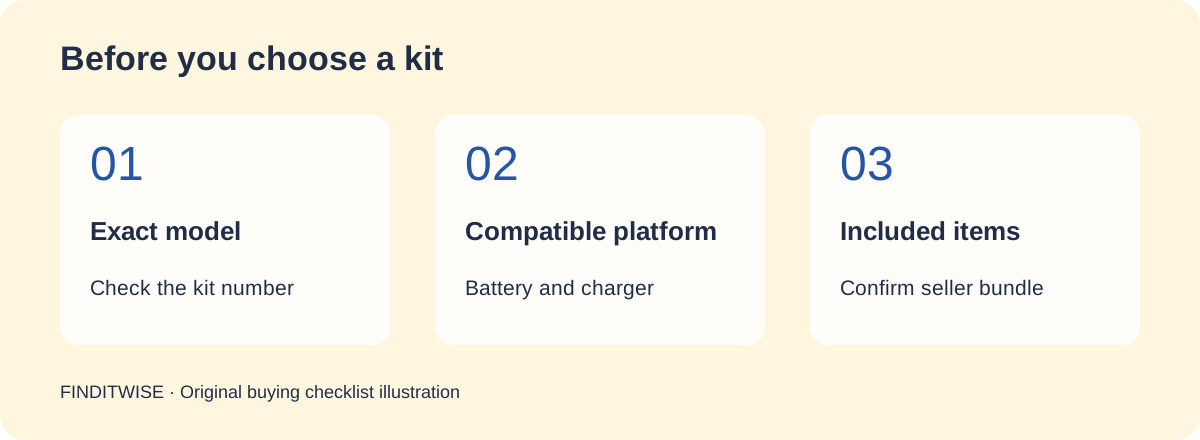
A completed accessory record names the model, base, collet/shank requirement, cutter clearance, intended use and any guide or extraction dependencies. If one essential field remains unknown, seek the exact manufacturer’s answer before buying. One matching dimension is a useful start, not a complete fit decision.
Sources & references
- Makita RT0701C base and accessory instructions — accessed November 5, 2026
- DeWalt DWP611 operating instructions — accessed November 5, 2026
- Bosch PR10E/PR20E base and fitting instructions — accessed November 5, 2026